Everything img2.video can do
Real examples for the photos people actually upload — pets, portraits, products, scenery.
 📷 Still
 🎬 AI motion
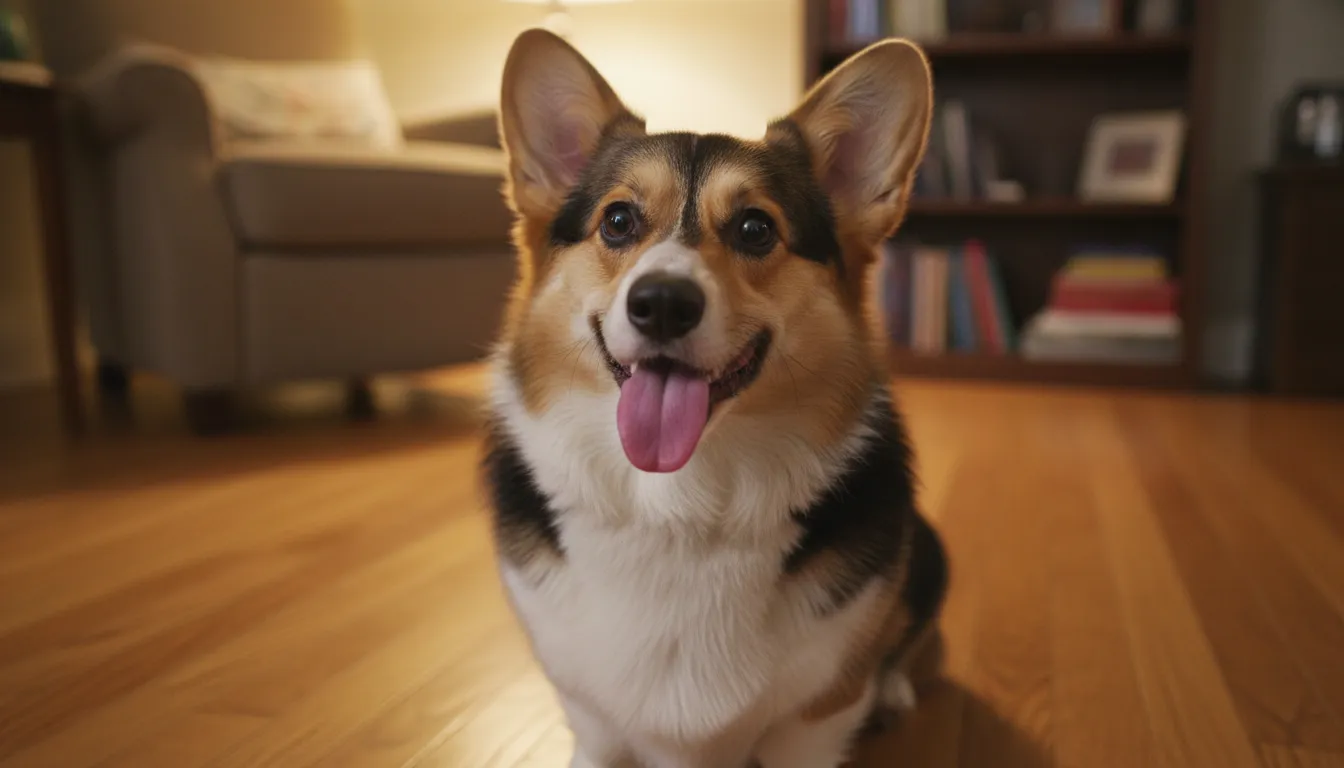
Pet Photos
Make your dog or cat wag, tilt and bark — from one photo.
 📷 Still
 🎬 AI motion
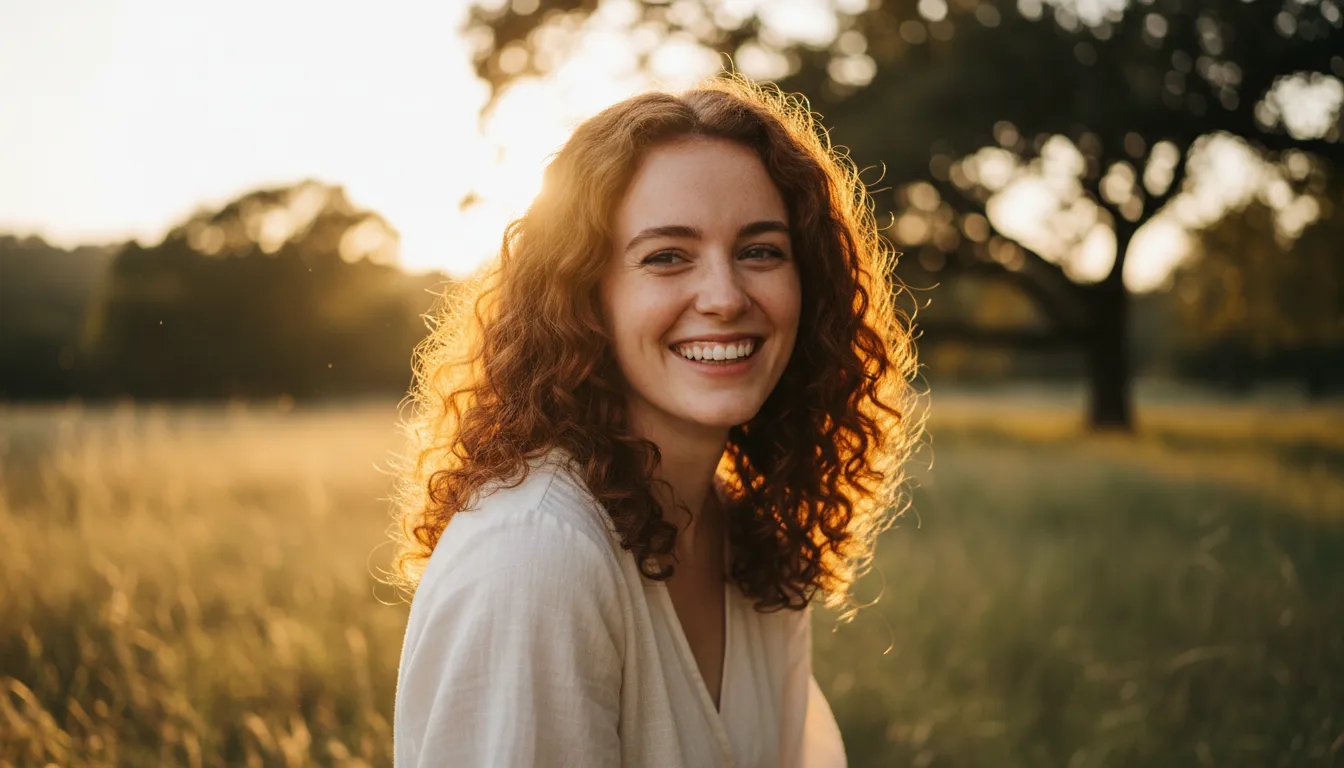

Portraits
A gentle turn, a smile, hair in the breeze — subtle and real.
 📷 Still
 🎬 AI motion
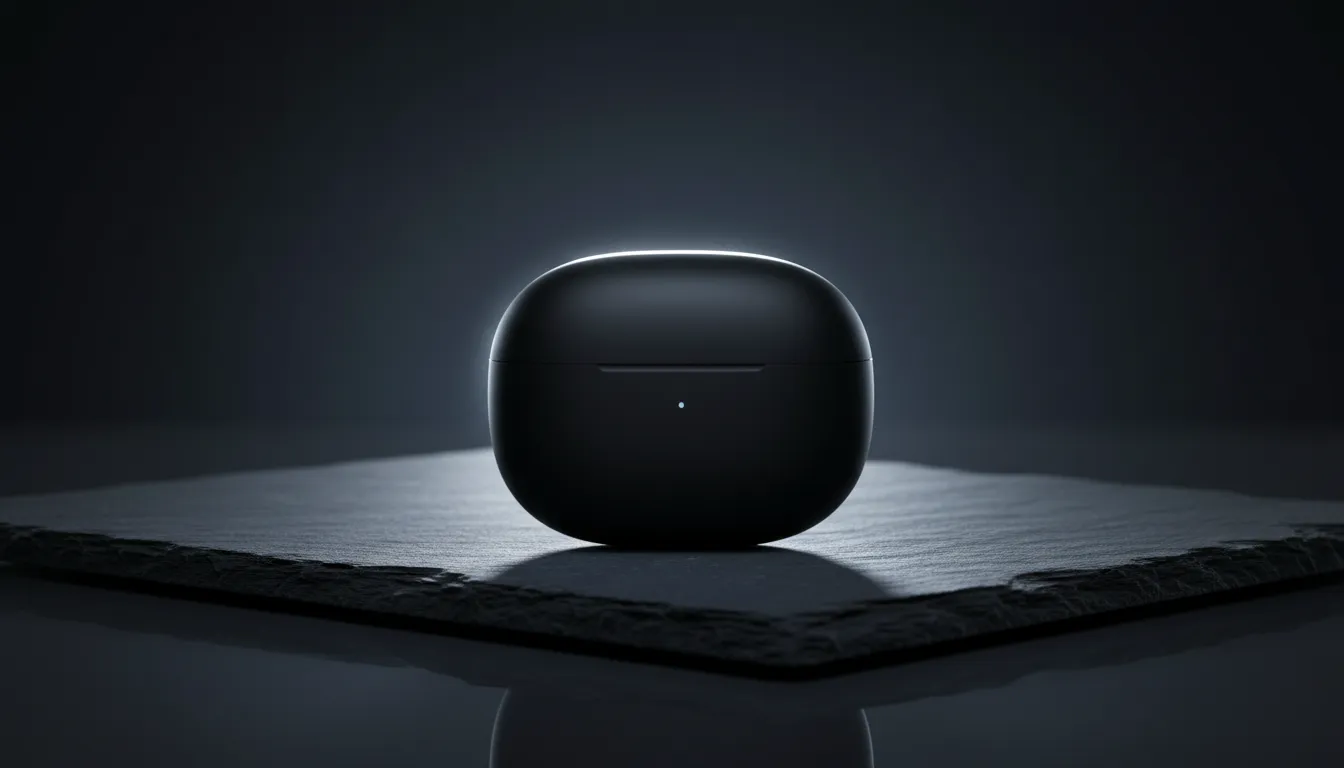
Product Shots
One photo becomes an ad — dolly-in, rim light, no filming.
 📷 Still
 🎬 AI motion
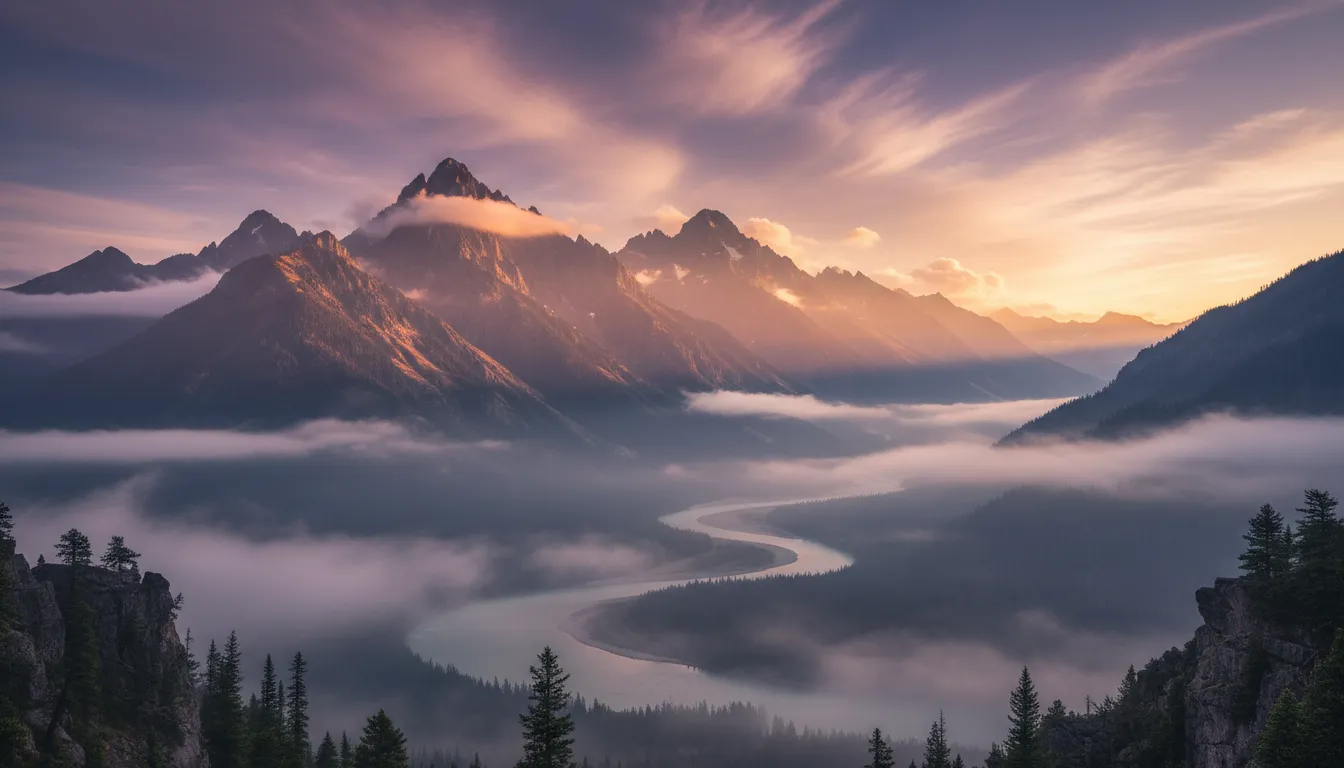
Scenery & More

Moving mist, drifting clouds — plus every real-run example in one place.
Why trust img2.video?
img2.video animates your own photos with Grok Imagine, Kling 2.6 and Veo 3.1 — plus Vidu Q4, Seedance 2.5 and Seedance Mini — strictly for lawful, consensual creative use. Violating accounts (AI NCII, CSAM, deceptive deepfakes) are terminated. Terms.
Every failed generation is refunded automatically, instantly. No subscription — one-time packs from $5.90.
We never train AI on your uploads, and files are deleted after 7 days. See our Privacy Policy.
Failed generations auto-refund instantly, and one-time credits never expire. Read the Refund Policy or contact us — we reply within a day.
Why img2.video instead of six separate subscriptions?
- · Six signups, six profiles, six billing agreements
- · Monthly billing — e.g. Kling Standard at $10/mo, Runway Standard at $15/mo (list, Oct 2026)
- · Credits expire — Kling monthly credits last 31 days; Runway rolls over just one month
- · One free signup — Grok, Kling 2.6, Veo 3.1, Vidu Q4, Seedance 2.5 & Mini, same window
- · Pay per video — one-time packs from $5.90, credits never expire, cancel nothing
- · Exact cost shown before you generate · failed renders auto-refund · no watermark
Same upstream models, one balance, zero lock-in — see the full model comparison →
Real examples by scenario: pet photos · portraits · product shots — each with input, prompt & actual cost.
Made with img2video
Real generations — hover to play, tap any card to reuse its prompt
Top video models, all in one place
Pick the engine that matches your budget and style · Compare all six models →
Grok Imagine
Fastest results, punchy social-ready motion. Perfect for memes and quick clips.
Open generator →Kling 2.6
Cinematic camera moves and natural physics. Optional native audio, up to 10 seconds.
Open generator →Veo 3.1
Google's flagship model: highest realism, up to 4K with audio. The premium pick.
Open generator →Vidu Q4
Longest clips at 16 seconds, up to 4K, native audio included at no extra cost.
Open generator →Seedance 2.5
Native 30-second videos with synced audio — for stories, not just loops.
Open generator →Seedance Mini
The budget entry: 5–10 second clips with audio from 20 credits.
Open generator →| Model | Starting price | Max duration | Audio | Best for |
|---|---|---|---|---|
| Grok Imagine | 25 credits | 10s | Yes | Speed, social clips, memes |
| Kling 2.6 | 20 credits | 10s | Optional | Cinematic motion, prompt adherence |
| Veo 3.1 Fast | 25 credits | 8s | Yes | Max realism, 4K, native audio |
| Vidu Q4 | 30 credits | 16s | Yes (free) | Longest clips, 4K, free audio |
| Seedance 2.5 | 65 credits | 30s | Yes (free) | Native 30-second stories, synced audio |
| Seedance Mini | 20 credits | 10s | Yes (free) | Budget pick with audio |
Sources: model capabilities per official documentation — Veo 3.1 Fast on fal.ai, Kling 2.6 Image-to-Video on fal.ai, Grok Imagine announcement (xAI). Pricing in img2.video credits; 20 credits ≈ $1.40–$2 at pack rates. Last reviewed 2026-10-23.
Trending templates
One photo + a viral format = your next video. Tap a card to open the full template.
Frequently asked questions
Still have questions? Email us — we reply within 24-48 hours on business days.
Exactly what you can make for free →
Is img2.video free to use?
What happens if a generation fails — and what is the refund policy?
Which model should I choose?
How long does generation take?
What images work best?
Can I use the videos commercially?
Do you train AI on my images?
Bring your first photo to life today
Upload a photo, type one line, watch it move. Sign up free and get 15 credits: that's a free AI image (10 credits) outright, or put it toward your first video (from 20).
Start free — 15 credits included