Same character. Any scene.
You know the problem: clip one looks like your sister, clip two looks like a stranger. This tool fixes that. Upload one photo of your person, pet or mascot — then drop them into any scene you can describe. The face, hair and outfit don't change.
Real example — one character photo, one scene photo, one output
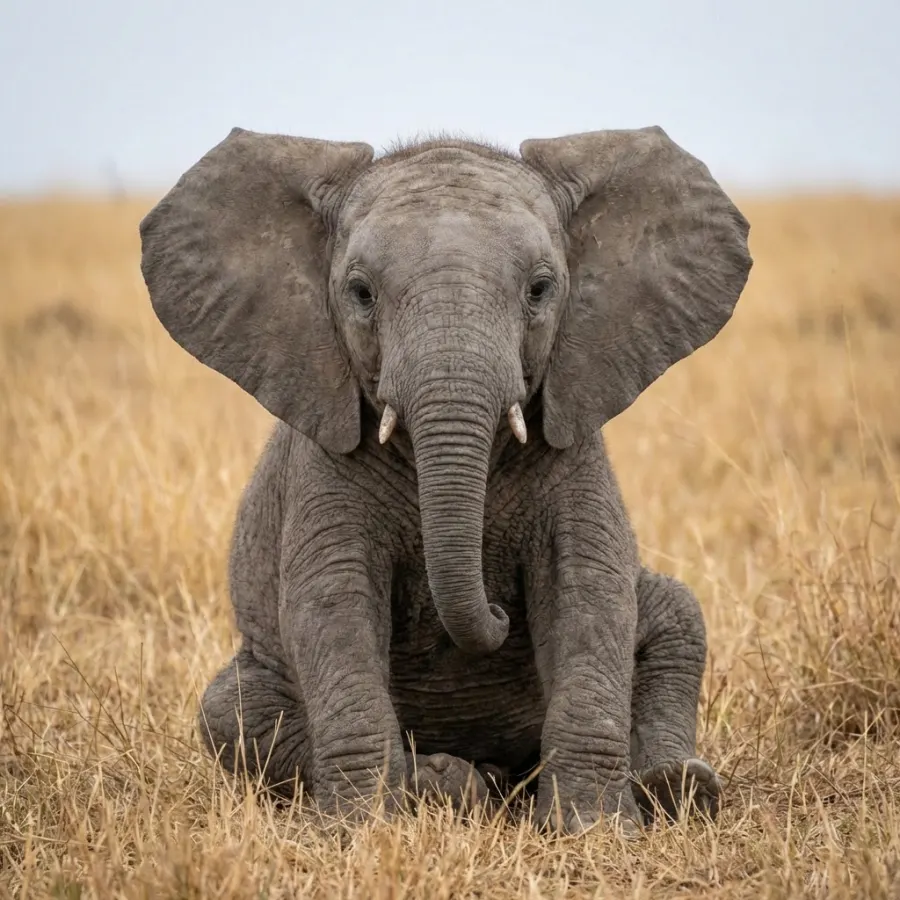 👤 Character photo
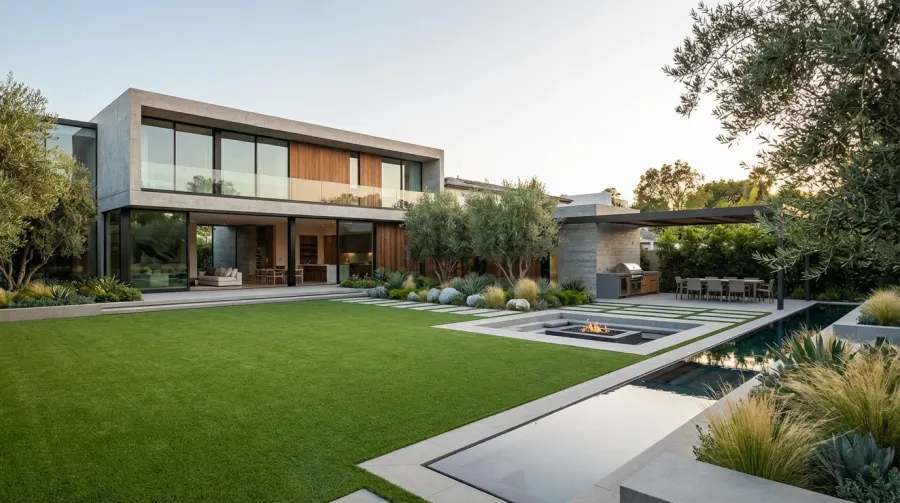 🏞️ Scene photo
Both inputs are just photos — no editing, no masks. The model kept the girl and the elephant from the reference images and staged them in the described scene. Source: Kling O3 official demo runs.
Model: Kling O3 (Kuaishou) — 1080p · 5–15s · native audio. Character photos, prompts and outputs are screened for safety; failed renders are auto-refunded (policy).
One photo, then remix the scene
Lock the character once with the same photo — then every new video is just a new sentence:
same photoThree completely different videos — one identical character. Change the words, keep the photo. That's the whole trick.
Scene prompts to steal
Tap one to drop it into the generator — your character is already in it.
How it works
AI video that keeps your character consistent
Search for character consistency in AI video, keeping the same person in AI video, AI character generator, or identity-preserving video generation and you'll find the same complaint under every tool: the face changes between clips. The fix is architectural, not prompt magic — the model needs a reference photo of the character to anchor on. That's what this page does: your photo defines who appears, your words define where they appear, and the two never get tangled.
FAQ
How do I keep the same character in AI video?
Upload one clear photo of your character, then describe any scene. Kling O3 rebuilds the scene around your photo, so the face and outfit stay put. Keep reusing the same photo and you can put the character anywhere — snow, a concert, your grandma's kitchen.
How many photos do I need?
One. A clear, front-facing shot with nothing blocking the face. If you also have a photo of a place (a restaurant, a landmark), you can add it as a scene photo and your character will show up in it — but that part is optional.
Why does my character look different in every video?
Because normal image-to-video animates the photo you upload — swap the scene and you swap the starting image, and the face drifts. Character consistency splits the two jobs: your photo says who, your prompt says where.
How much does it cost?
35 credits for a 5-second clip without audio, 40 with audio. 10 seconds is 65/80, 15 seconds is 95/120. Failed generations are refunded automatically — you never pay for a broken render.
What kind of photo works best?
Think passport photo, not group selfie: sharp, well-lit, facing the camera, no sunglasses or heavy shadows. Pets and mascots work the same as people.
Can I use my pet or mascot?
Yes. Locking a mascot across ads or a pet across a video series is one of the most common uses — Kling O3 treats animals and objects as characters too.
Is it safe to upload photos of real people?
Only upload photos you have the right to use. Every prompt is screened before anything is charged, photos are stored privately for your account, and everything auto-deletes after 7 days. We never train on your photos.
Model capabilities verified against the official source: Kling O3 (fal.ai). Demo media from Kling/fal official showcases. Last reviewed October 2026.